Urgent reminders ring like an alarm
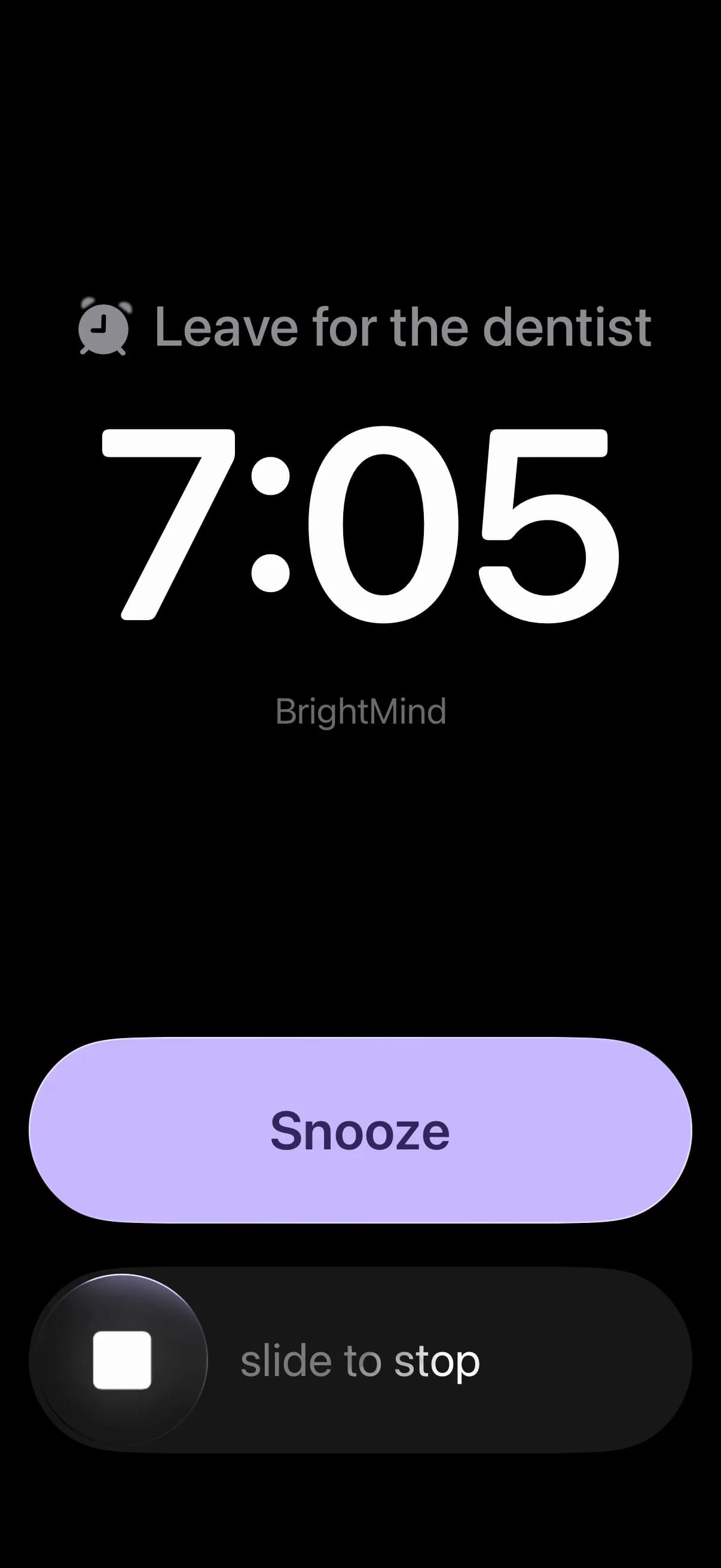
Mark a reminder urgent and BrightMind rings like your phone's alarm at the time you set, even on silent or in Focus. It keeps ringing until you stop it or snooze it, so you leave on time and the urgent thing gets done.
Turn it on in Settings > Reminders > Urgent reminders, then set any task's reminder to Urgent, or ask BrightMind to.
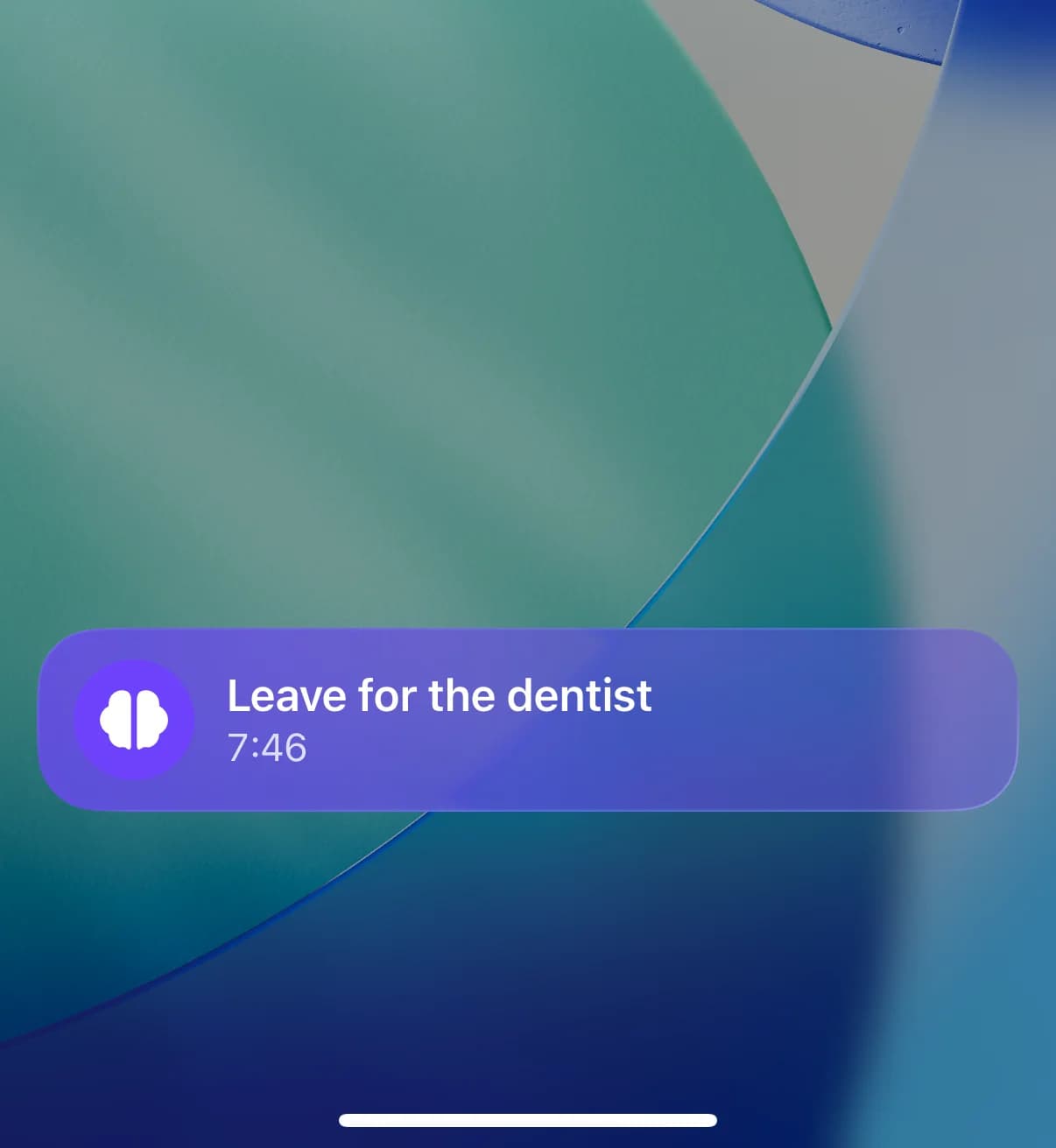
A countdown before it rings
Shortly before an urgent reminder rings, a countdown appears on your lock screen, so you see it coming and can wrap up what you're doing.
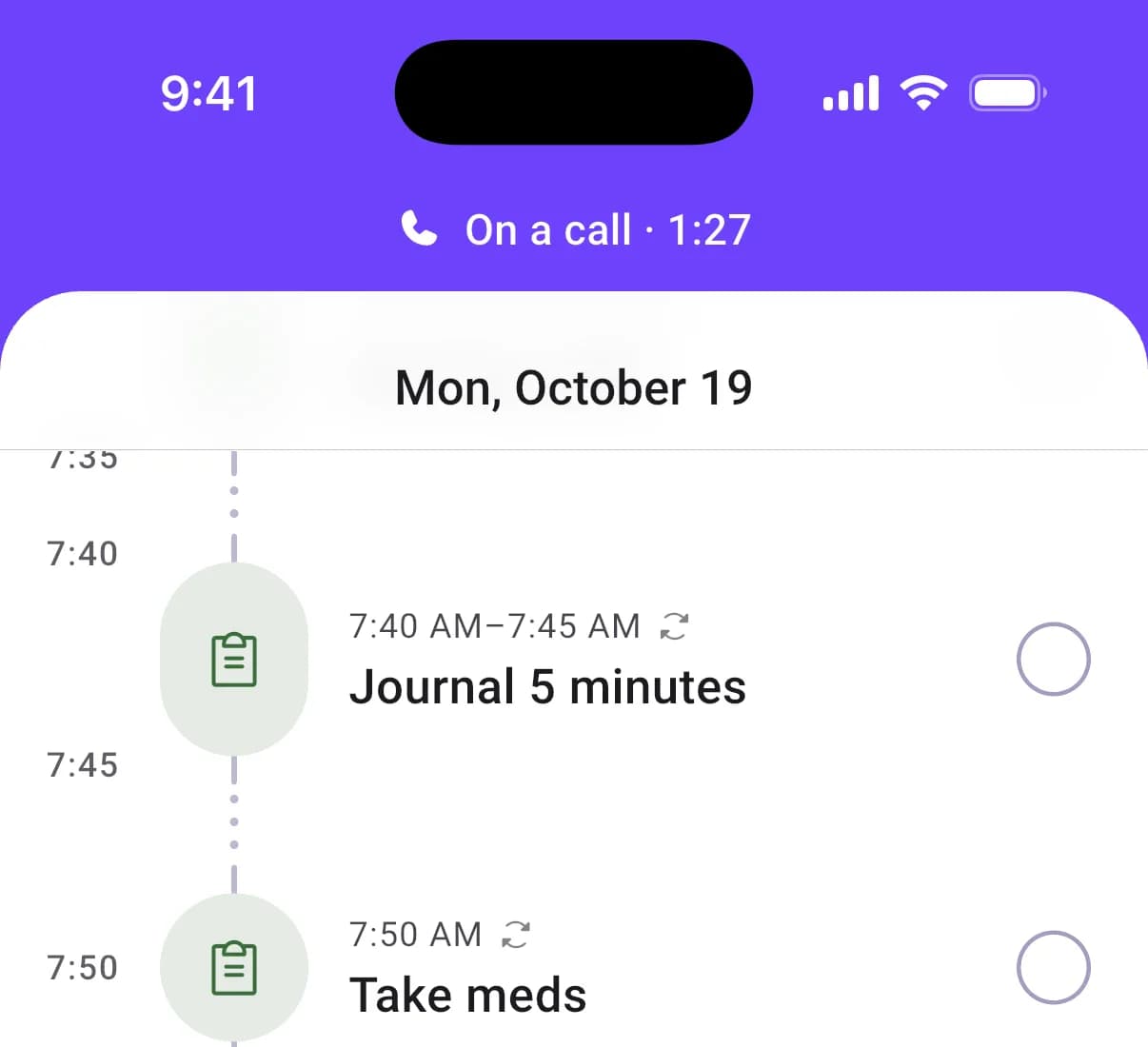
Stay on a call while you use the app
While you're on a call with BrightMind, a bar at the top of the app shows the call is live and how long it's been running, so you can check your day or your tasks and keep talking. Leaving the call's conversation no longer hangs up.
9 smaller changes6 improvements, 3 fixes
Improvements
UI
- Completing a task now has its own sound and a small tap of haptics, and BrightMind notices when you get something done. Turn either off in **Settings > Sound & Haptics**.
- Home and your task lists update right away when BrightMind, a call or another device changes something.
Calls
- Miss a scheduled call and BrightMind follows up with a message, so the check-in still happens.
Performance
- BrightMind starts answering noticeably faster after you send a message.
AI
- Ask "what did I finish today?" and BrightMind reads the tasks you completed that day.
- BrightMind asks before deleting several tasks at once, and a repeating task's series stays intact.
Fixes
General
- Some Plus members still saw Get Plus. That's fixed.
Calls
- Accepting a call before allowing the microphone no longer starts a silent call.
- The end button now hangs up a scheduled call reliably.