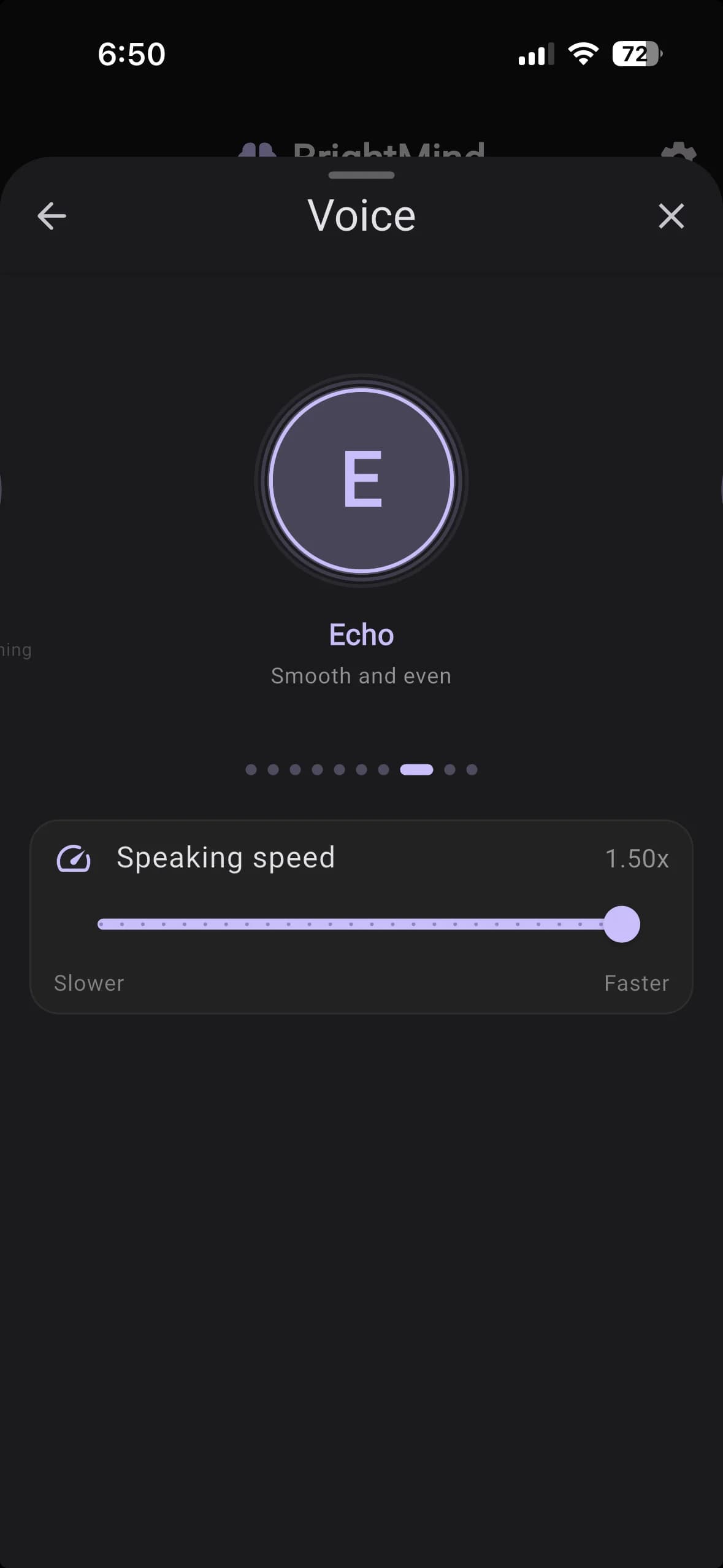
Choose your voice
Pick the voice and personality BrightMind uses in every call. Swipe through the roster in Settings → Voice, tap the one that fits, and adjust the speaking speed with the slider below — anywhere from a relaxed pace to brisk. Your choice sticks across all future calls.
Smarter about where your tasks live
BrightMind now starts every conversation already knowing your task lists and projects. So when you ask it to save something, it drops the task into the list that actually fits instead of dumping everything in your inbox — and when you ask what's on your plate, it knows exactly where to look. No more telling it which list you meant.
1 smaller change1 improvements
Improvements
AI
- The agent now routes to specialised skill modules for complex tasks, keeping responses sharper and more focused regardless of whether you're in chat or a live call.