AI Assistants for ADHD: Which One Fits the Way You Get Stuck (2026)
Stan · · 6 min read
The best AI assistant apps for ADHD in 2026, sorted by where you get stuck: breaking tasks down, scheduling, planning, or never opening the app. Prices checked November 2026.
The best AI assistant for ADHD depends on where you get stuck. Goblin Tools breaks a task into steps for free. Motion and Reclaim schedule your calendar. Sunsama and Tiimo guide a calm daily plan. ChatGPT or Claude help you think it through. BrightMind plans with you, gently, and calls you when it's time to start.
You asked an AI for help with your ADHD, and it gave you a lovely plan. Then you closed the tab, and the plan stayed in the tab.
That's the whole problem with most AI help for ADHD. The thinking part is solved. The part where something actually happens at 9:40 on a Tuesday is not. This guide sorts the AI assistants worth knowing by where you get stuck, with free tiers, prices as of this writing, and the honest limit of each.
One of them is mine. It's last, it takes only the row it owns, and I'll say where the others do better.
What is an ADHD assistant?
An ADHD assistant is an app that takes on part of the executive function ADHD makes unreliable: holding the list, planning the day, starting, and noticing time. The difference from a chatbot is initiative. A chatbot answers when you open it. An assistant keeps your tasks and reaches out at the moment it matters, which is the moment ADHD makes you forget to ask.
Most "AI for ADHD" apps cover one slice of that. Some break tasks down, some schedule your calendar, some lay out your day. None of that is a criticism. It just means picking by your own sticking point beats picking by a feature list.
A quick way to find yours: think of the last thing you meant to do and didn't. Did you not know where to start, not know when to do it, forget it existed, or know all of that and still never begin?
Which AI assistants for ADHD are worth trying?
Every fact below comes from the vendor's own pages, last checked on November 10, 2026, in US dollars. AI pricing changes often, so confirm at the source before you pay.
| Where you get stuck | App | Free tier | Paid | Reaches out to you? |
|---|---|---|---|---|
| Don't know where to start | Goblin Tools | Whole website free | Small fee for the mobile apps | No |
| Don't know when to do it | Motion | Free trial, no free plan | Pro AI from $19/seat/mo | No |
| Same, on a budget | Reclaim.ai | Lite plan, free forever | From $10/seat/mo yearly | No |
| Need a calm daily plan | Sunsama | 14-day trial, no card | $17/mo yearly, $22 monthly | No |
| Can't see time | Tiimo | Free version on iOS and Android | Varies by location | Nudges and reminders |
| Need to think it through | ChatGPT or Claude | Free plans | Optional subscriptions | No |
| Never open the app when it counts | BrightMind | 100 messages and 30 min of calls a week | Plus $12.99/mo or $99.99/yr | Calls, check-ins, alarm-style reminders |
Goblin Tools: when you don't know where to start
Goblin Tools is a free set of small AI tools for neurodivergent people, and its Magic ToDo is the most recommended ADHD AI tool there is. Type "deal with taxes" and it returns concrete steps, as small as you need. There's no account and no setup, which is exactly why it gets used on bad days.
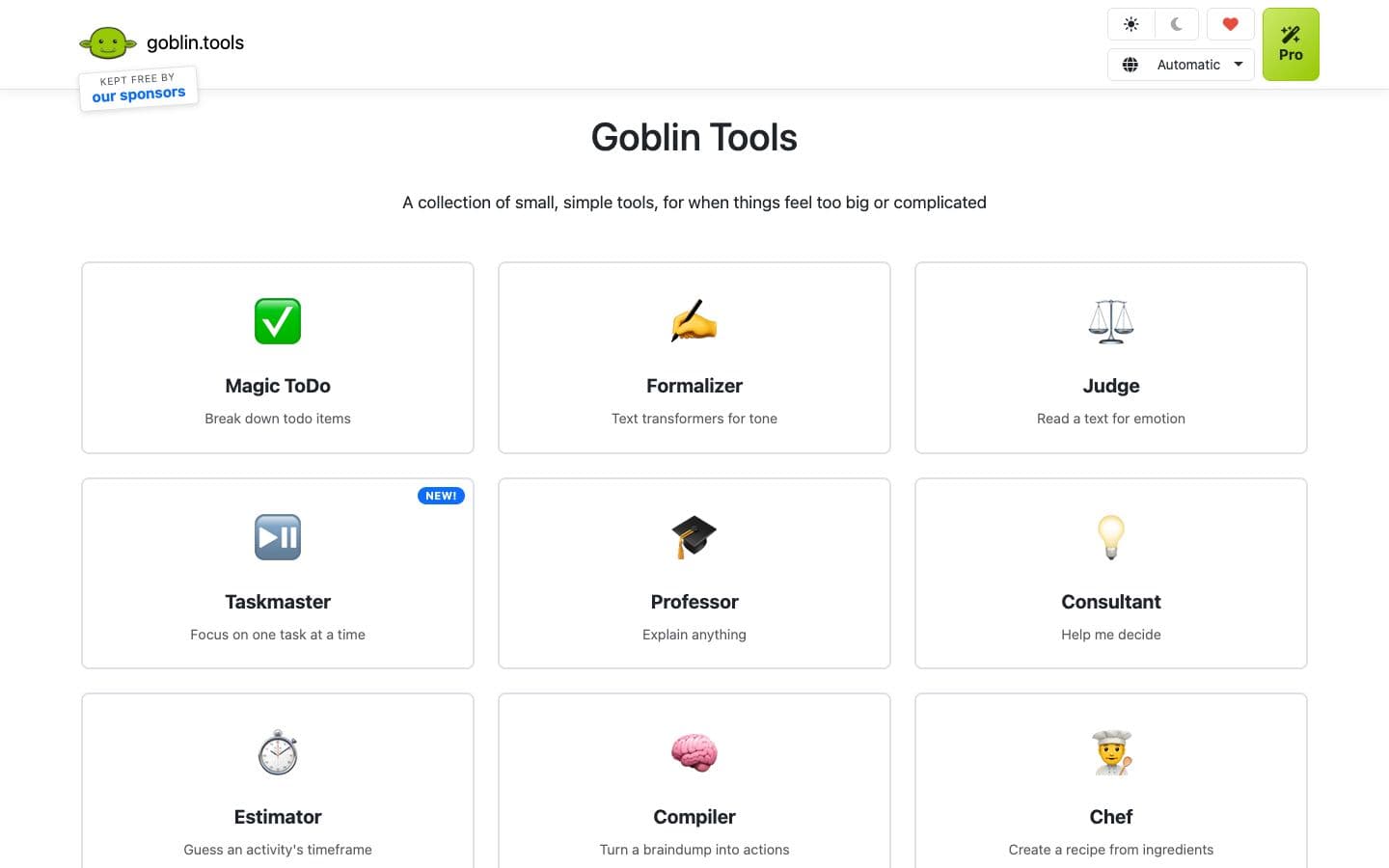 Goblin Tools homepage: "A collection of small, simple tools" with tiles for Magic ToDo, Formalizer, Judge, Taskmaster, Professor and Consultant
The website is free, and the mobile apps cost a small fee that helps keep it that way (goblin.tools). Other tools in the set rewrite a message's tone, judge how an email might land, and estimate how long something will take.
The limit is that it's a tool you visit. It doesn't keep your list, doesn't remind you, and won't notice that the steps it gave you this morning are still untouched. There's more in my Goblin Tools review.
Motion and Reclaim: when you don't know when to do it
Motion and Reclaim are AI schedulers. You give them tasks, deadlines and priorities, and they place the work into your calendar, then reshuffle it when a meeting lands or you run late. For ADHD brains that make long lists but never decide when, handing off the "when" is a real relief.
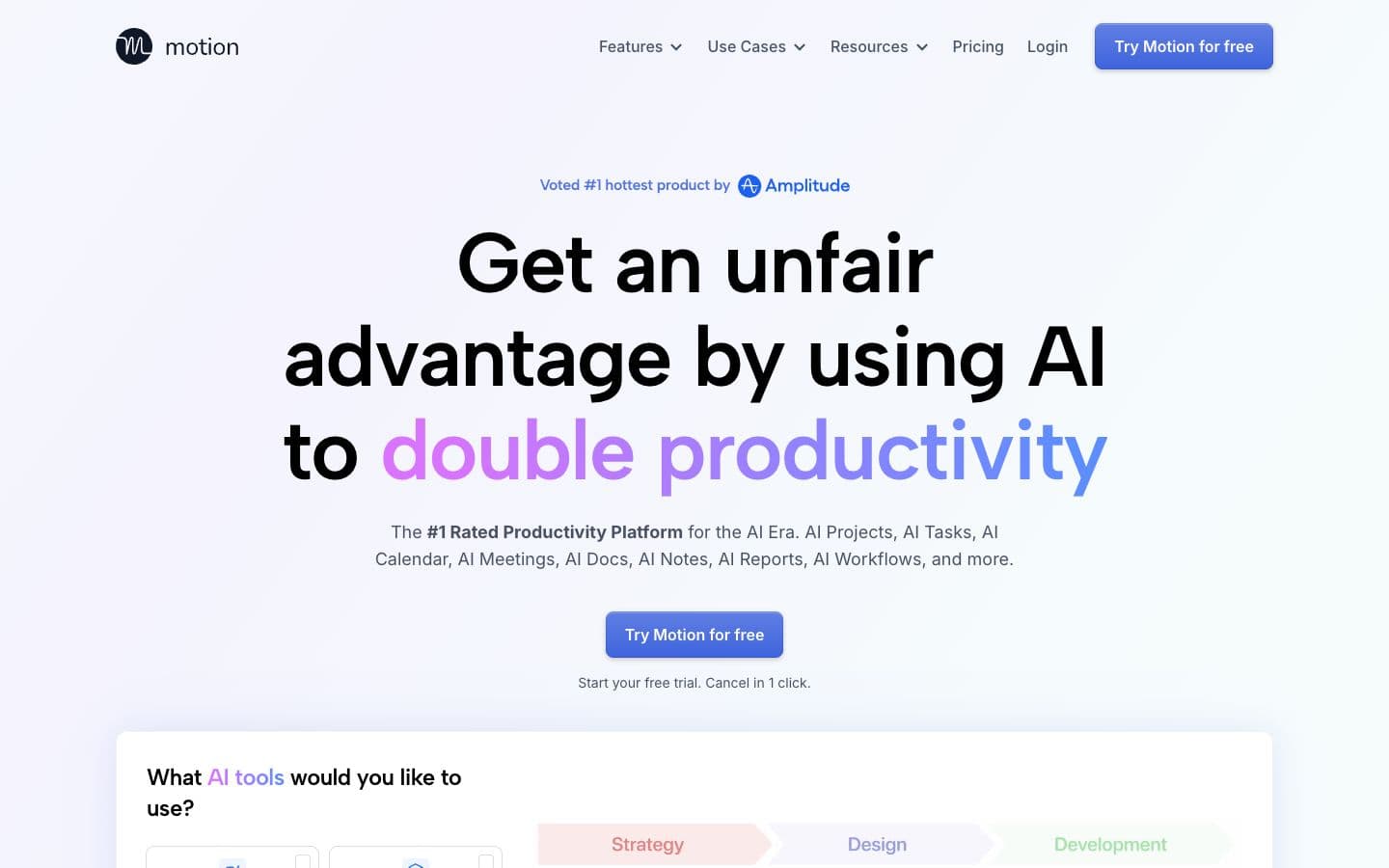 Motion homepage: "Get an unfair advantage by using AI to double productivity" with a Try Motion for free button
Motion is the all-in-one version, with tasks, projects, calendar, docs and meeting notes. Motion has no free plan, only a free trial, and its Pro AI plan is listed from $19 a seat a month, with a discount for paying yearly (Motion). Reclaim focuses on the calendar itself, auto-scheduling tasks, habits and focus time around your meetings, with a free Lite plan and paid plans from $10 a seat a month billed yearly (Reclaim).
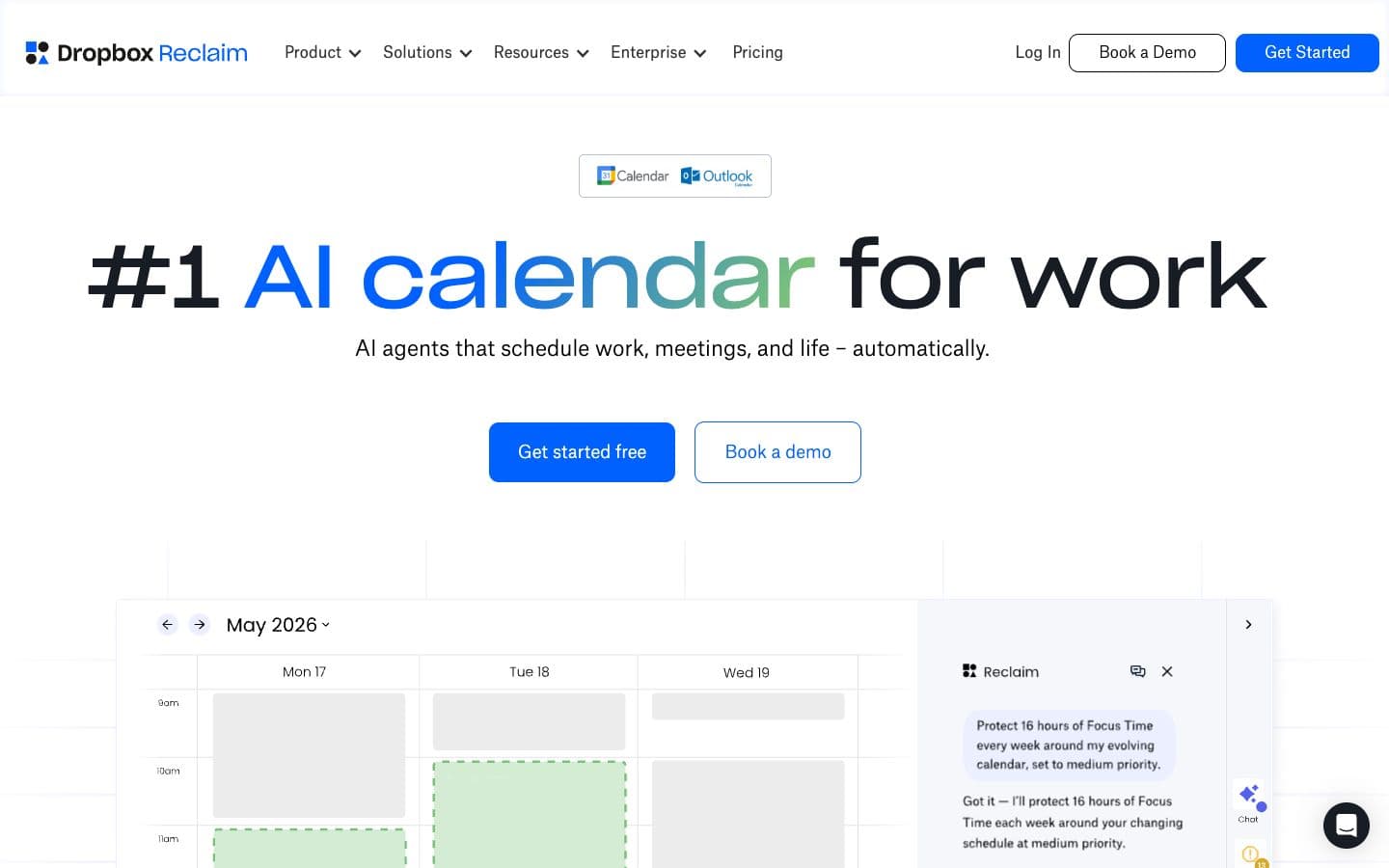 Reclaim homepage: "#1 AI calendar for work" above a week calendar with a Reclaim assistant panel protecting focus time
Both assume you live in your calendar and look at it. If a perfectly scheduled block arrives and you simply don't start, the schedule moves itself and the task drifts. They plan for you. Neither one gets you going.
Sunsama: when you need a calm daily plan
Sunsama is a daily planner built around a short morning ritual: pull in tasks from your tools and calendar, choose what's realistic for today, and shut down at the end. People with ADHD often like it for the calm. It pushes back on overloading the day, which is the opposite of most to-do apps.
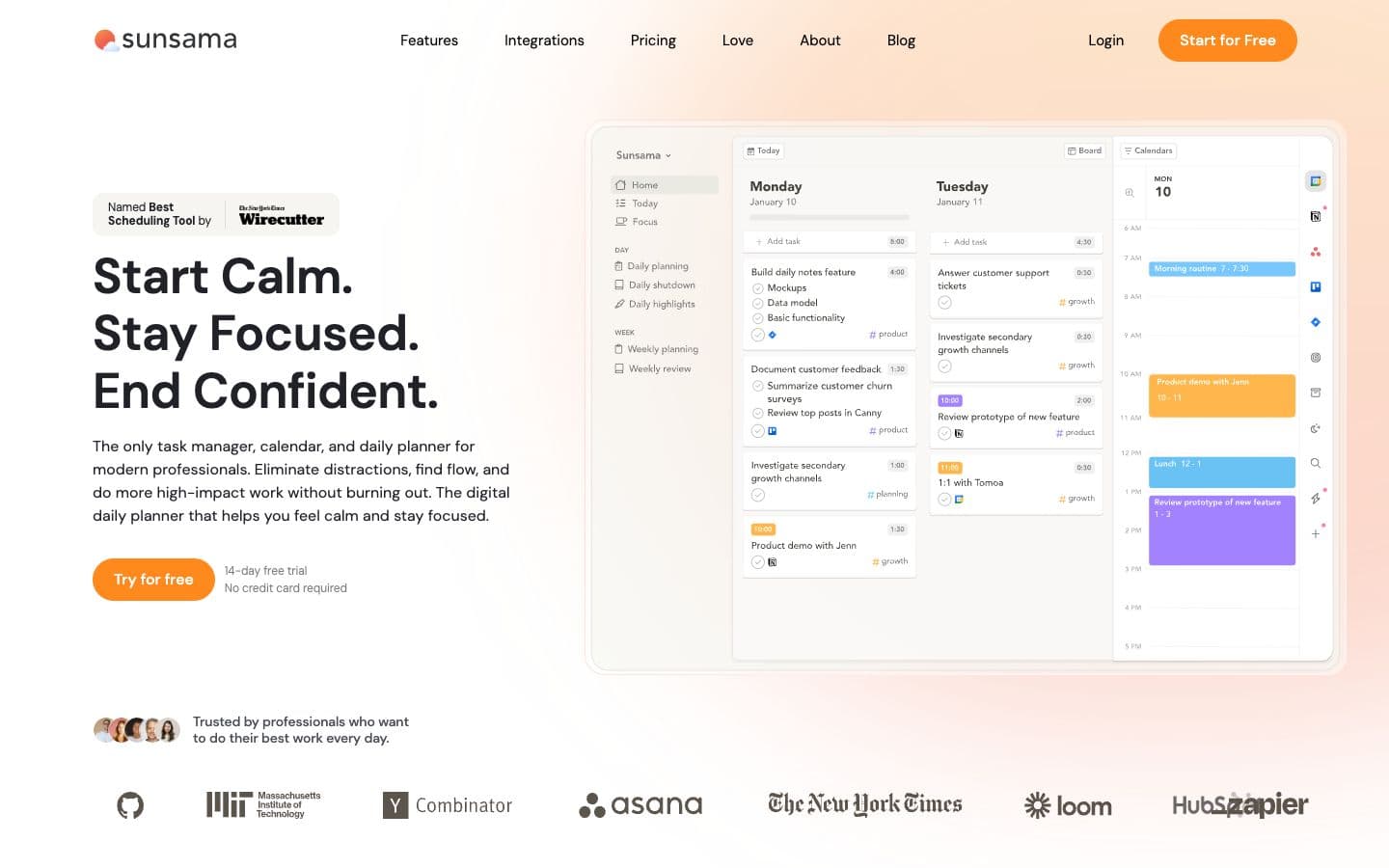 Sunsama homepage: "Start Calm. Stay Focused. End Confident." beside the app showing Monday and Tuesday tasks next to a calendar
It's paid only: Pro is $17 a month billed yearly or $22 billed monthly, after a 14-day trial with no card required, on iOS, Android, Mac, Windows and Linux (Sunsama). The Pro plan lists AI and MCP support, though the pricing page doesn't say much about what the AI does, so check before committing.
The catch is the ritual itself. Sunsama works when you do the planning, and the days ADHD hits hardest are the days the ritual gets skipped.
Tiimo: when you can't see time
Tiimo is a visual planner made for neurodivergent people. It shows your day as a timeline with icons and countdowns, and its "Plan with AI" turns a brain dump into steps with time estimates. If time slides away from you without your noticing, seeing it shrink on screen helps.
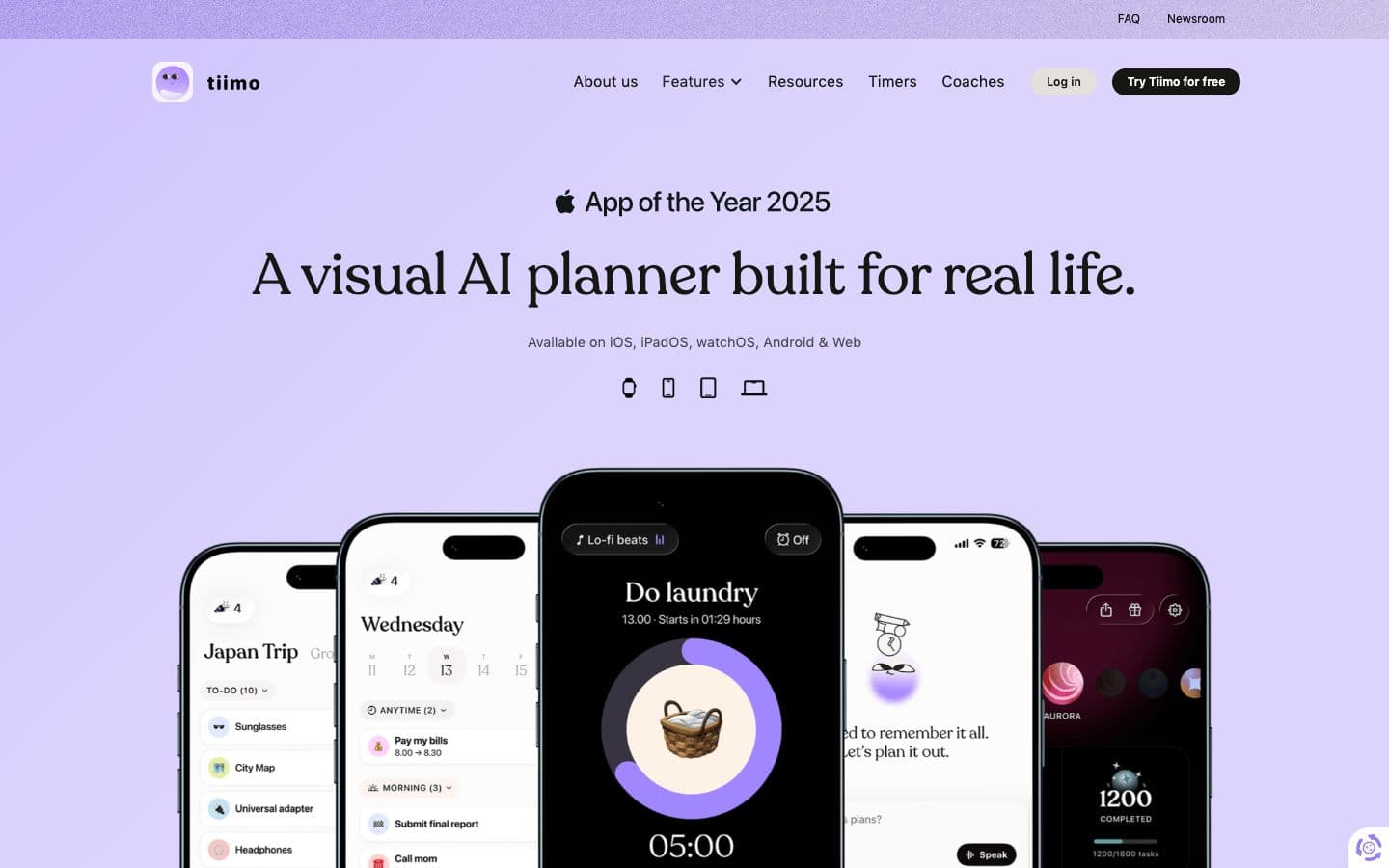 Tiimo homepage: "A visual AI planner built for real life." above five phones showing a day plan and a laundry timer
There's a free version on iPhone and Android, and paid pricing depends on where you live, with a 7-day trial on the yearly plan (Tiimo). It sends gentle nudges and reminders designed not to overwhelm you. It also runs on Apple Watch, Mac and the web.
Tiimo is strong for routines and the shape of a day, lighter on bigger projects. Its nudges are notifications, which are easy to swipe away when you're deep in avoidance.
ChatGPT and Claude: when you need to think it through
General chatbots are surprisingly good ADHD thinking partners. Tell one what's in your head and it will sort the mess, break the scary task down, or draft the email you've avoided for a week. Voice modes make it even easier, because talking is often faster than organizing your thoughts into typing.
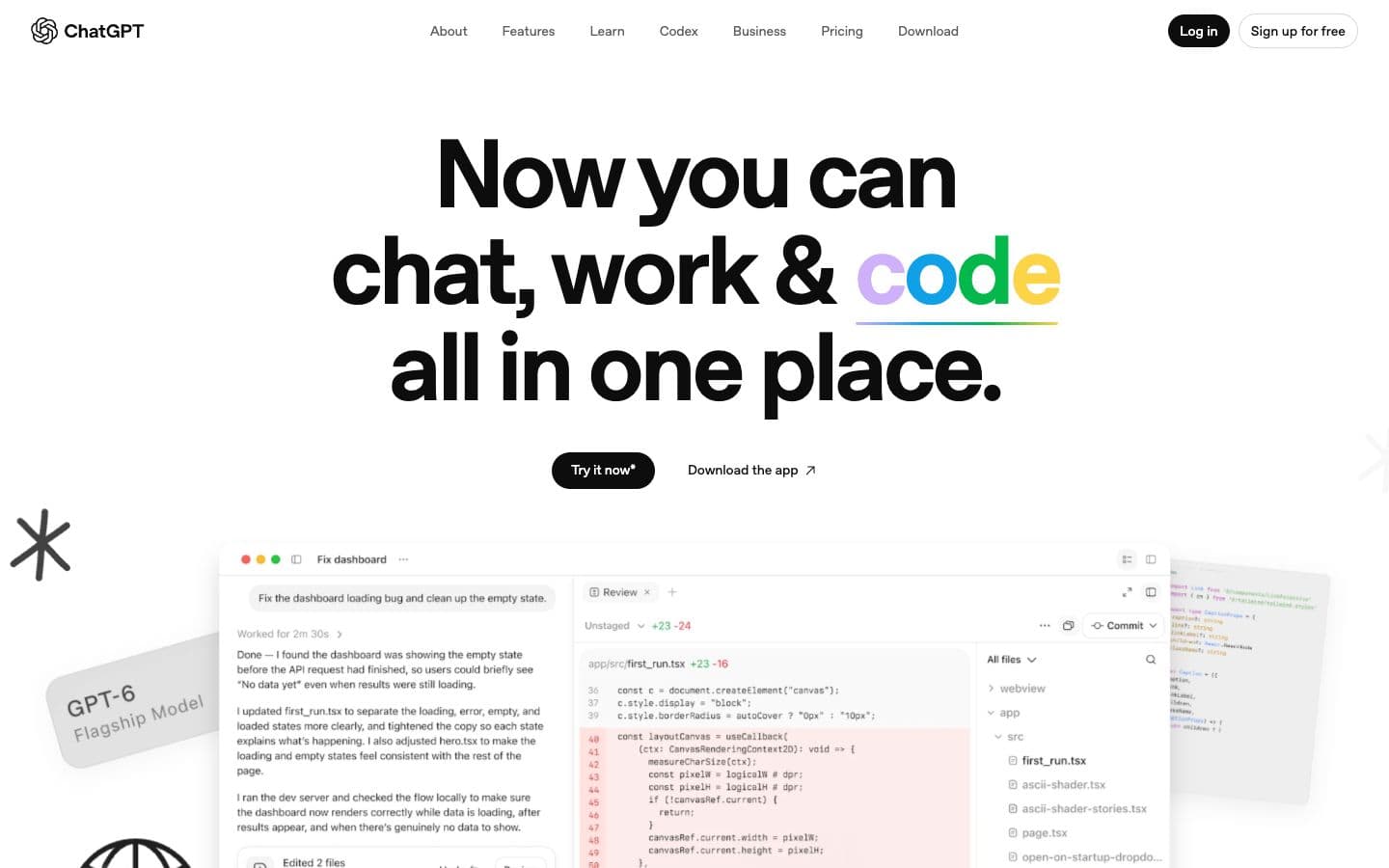 ChatGPT overview page: "Now you can chat, work & code all in one place." above a ChatGPT window fixing a dashboard bug
 Claude product page: "Give Claude more" with Try Claude and Download for macOS buttons among task example tiles
Both have free plans. The limit is structural: a chatbot lives in a conversation you have to start. It doesn't hold your task list between chats, and it won't phone you when the time you planned arrives. Plenty of people pair one with a dedicated planner, which works if you remember to use both.
BrightMind: when you never open the app at the moment it counts
This is the one I built, and it takes only this row. BrightMind is an ADHD assistant that reaches out instead of waiting. It calls you at a time you choose to check in and help you start, plans your day with you by voice or text, and rings like an alarm for reminders you can't miss, even on silent.
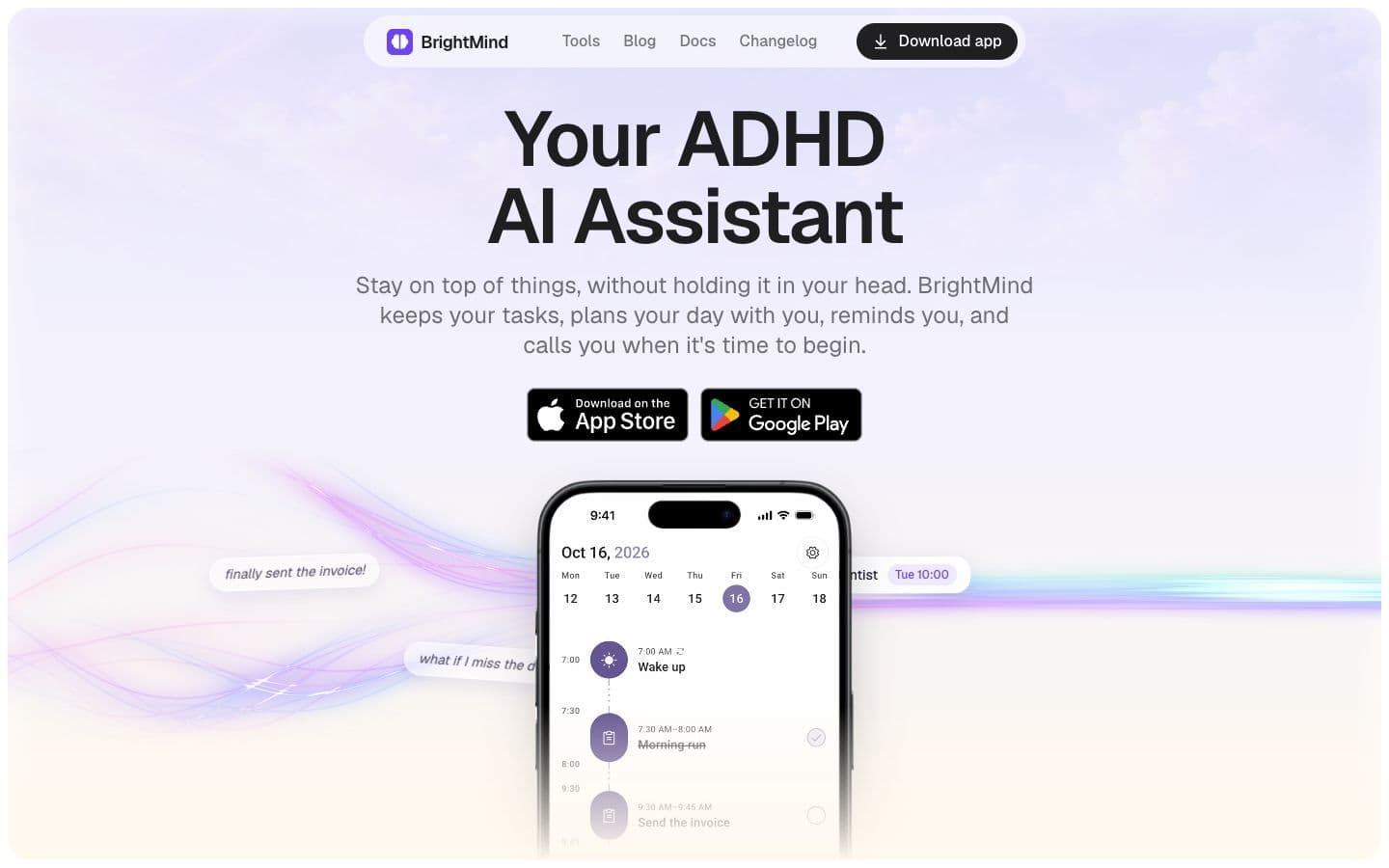 BrightMind homepage: "Your ADHD AI Assistant" with App Store and Google Play buttons above a phone showing a day timeline
Every assistant above shares one assumption: that you'll open it. With ADHD, the moment you most need help is the moment you forget help exists. BrightMind is built around that gap. It keeps its own task list and works with TickTick, Todoist and Google Calendar too, and when a task feels like a wall it breaks it into one tiny first step. If a phone call from an app sounds strange, here's how the check-in call works, and the alarm-style reminders have their own write-up.
The free plan includes 100 messages and 30 minutes of calls a week. Plus gives unlimited messages, 5 hours of calls a week, a smarter AI and better memory, at $12.99 a month or $99.99 a year in the US. On iPhone both plans start with a one-week free trial; on Android the trial comes with the yearly plan. It's an iPhone and Android app, with ChatGPT and Claude connectors coming soon. If what you need is a calendar that schedules itself, Motion or Reclaim will do that better, and for a quick free breakdown of one task, Goblin Tools is hard to beat.
How do you pick an AI assistant for ADHD?
Match the assistant to the moment you get stuck. No idea where to start: Goblin Tools. No idea when: Motion, or Reclaim on a budget. Overloaded days: Sunsama. Time slipping away: Tiimo. Just need to talk it through: ChatGPT or Claude. All of that is fine until the day you don't open anything: BrightMind.
Keep it to one or two. Every extra app is one more thing to remember to open, which is the very thing ADHD makes hard. For non-AI picks sorted the same way, see the best ADHD apps for adults, and if your mess starts as a head full of loose thoughts, the brain dump guide compares the apps that turn one into a plan. If most of this feels familiar and you've never been assessed, the free ASRS-5 self-screen is a two-minute first step to bring to a clinician. No assistant is a substitute for that.
References
- ADDA (Attention Deficit Disorder Association). Best ADHD Apps and Tools for Adults. add.org
- Goblin Tools. About. goblin.tools
- Motion. Pricing. usemotion.com
- Reclaim.ai. Pricing. reclaim.ai
- Sunsama. Pricing. sunsama.com
- Tiimo. Pricing. tiimoapp.com
Frequently asked questions
- Is there an AI assistant for ADHD?
- Yes, several, and they help in different places. Goblin Tools breaks tasks into steps, Motion and Reclaim schedule your calendar, Tiimo and Sunsama help you plan the day, and BrightMind is an ADHD assistant that calls you and checks in so you don't have to remember to open an app.
- What is an ADHD assistant?
- An ADHD assistant is an app that takes on some of the executive function ADHD makes unreliable: remembering, planning, starting and keeping track of time. The useful ones do more than answer questions. They hold your tasks, plan with you, and reach out at the right moment instead of waiting for you to remember them.
- Which AI assistant gives empathetic task guidance and daily planning?
- Sunsama and Tiimo are known for calm, low-pressure daily planning, and Goblin Tools breaks tasks down without judgment. BrightMind is built for the emotional side of starting: it plans the day with you by voice or text, helps you settle when a task feels like a wall, shrinks it to one first step, and checks in later.
- Can ChatGPT help with ADHD?
- It can help you think: break a task down, draft an awkward email, or untangle a messy list when you open it and ask. What it won't do is hold your task list, phone you at 9am, or notice you've been stuck since lunch. Many people pair a general chatbot with a dedicated planner or assistant.
- Is there an app that calls you to help you start?
- Yes. BrightMind calls you at a time you choose, checks in on how it's going, and helps you take the first small step, then saves what you committed to in its task list. It also has reminders that ring like an alarm until you stop or snooze them. It runs on iPhone and Android.